Register for WC Online
How to Register with WC Online
- Visit: xavier.mywconline.com
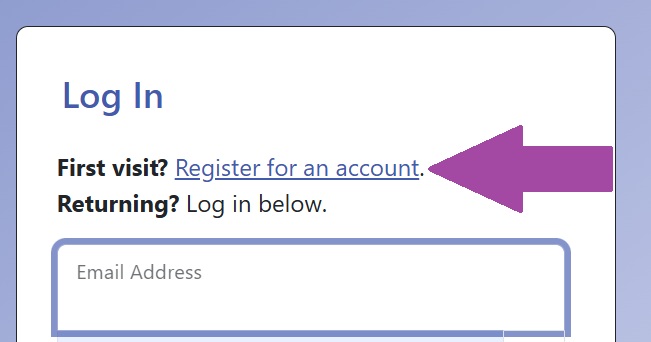
- Click “Register for an account”
- Create a new account by completing all required fields and hitting “register” (blue bottom at the bottom of the form).
- Be sure to use your Xavier email and password when you sign into the system (this will help you remember how to log in)
- Sign-up for email reminders! These will help you remember your appointments
- You can also sign up for appointment reminders over text.
- Sign in to the system! Return to xavier.mywconline.com and use your email and password to schedule your first appointment.