Claude
IMPORTANT: Please read our GenAI Best Practices page before using this generative AI tool with course work.
Claude is an AI tool that helps you write, analyze information, and develop ideas. You can ask it questions, give it tasks, or upload documents, and it will generate responses to support your work.
It is especially useful for working with long readings, complex topics, and structured writing, making it a strong fit for academic and course design tasks. Claude can also create interactive outputs such as simple websites, presentations, and study tools that you can adapt for teaching.
At Xavier, faculty can use Claude to draft course materials, summarize articles, generate assignments, and build learning activities. It can support both content creation and early-stage design work, helping you move from idea to draft more efficiently.
Claude works best as a thinking partner rather than a final authority. It can help you organize and refine ideas, but its outputs should always be reviewed, edited, and aligned with your course goals.
Claude for Education
Anthropic has introduced Claude for Education, a version of the tool designed specifically for colleges and universities. It includes features that support teaching, learning, and institutional needs at scale.
One of its core features is a learning mode (Socratic AI) that guides students through reasoning rather than simply providing answers, helping support critical thinking and metacognitive development. Claude for Education can also be integrated into learning management systems such as Canvas, allowing it to be embedded directly within courses to support assignments and in-context learning activities.
Institutions can deploy Claude across campus for students, faculty, and staff, with enterprise-level privacy and security controls in place. By default, student data is not used to train the model, and the platform is designed to align with institutional privacy and compliance requirements.
Educators are using Claude for a range of academic tasks, including curriculum design, lesson planning, research support, assessment creation, and building interactive learning materials such as simulations and study tools.
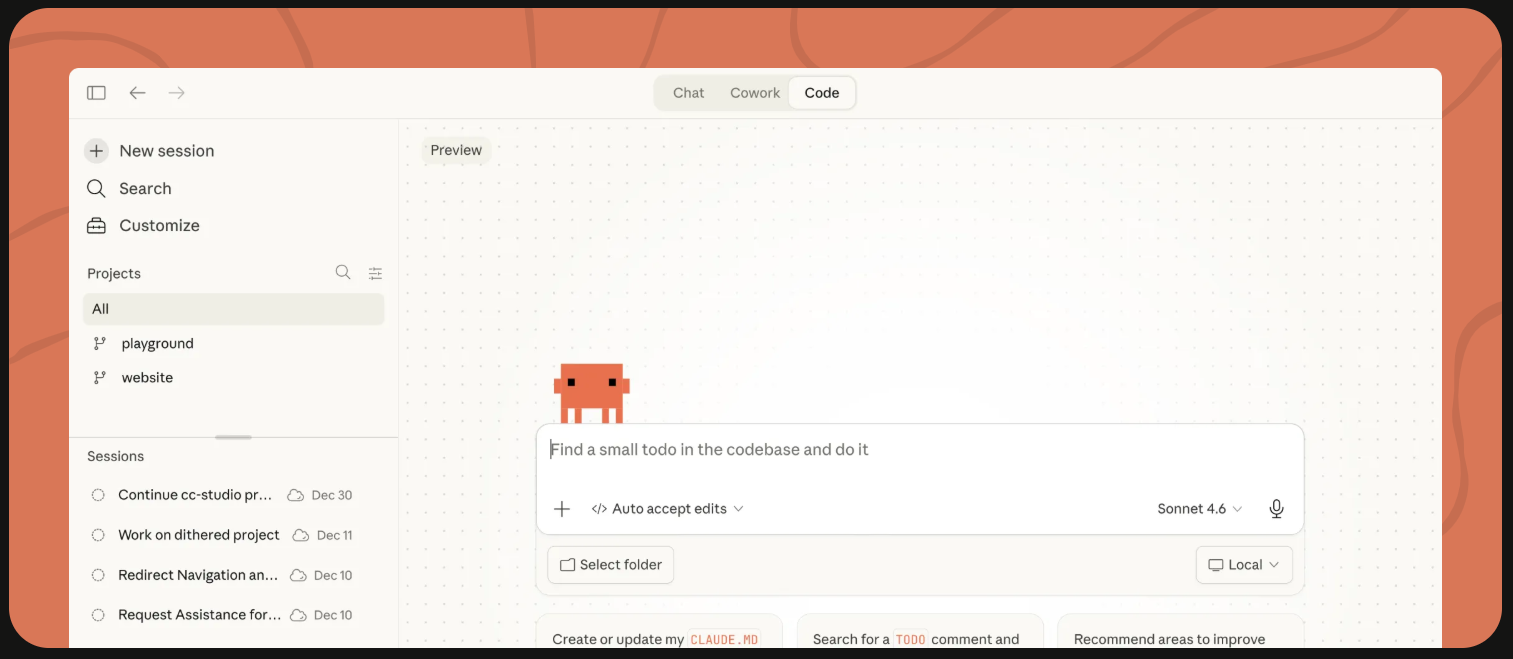
Access Claude
- Access Claude through the web.
- Access Claude through the Windows application, or Mac application.
- Access Claude on mobile through the Apple Store or Google Play.
Demonstration Video
Videos
Guides
Where to Get Help
- Anthropic Support Page
- Anthropic Help Center
- IDT Team (limited to free version support for instructional purposes only)
LMS Integration
Claude for Education includes a Canvas integration that allows students and faculty to use Claude directly within their courses, supporting assignments and learning activities without leaving the LMS.
Cost
Claude has a free option, a Pro option, and a Max option. Details & pricing for each plan.
Account Required
A Google account is recommended to save chat history, or you can create an account through Claude.ai.