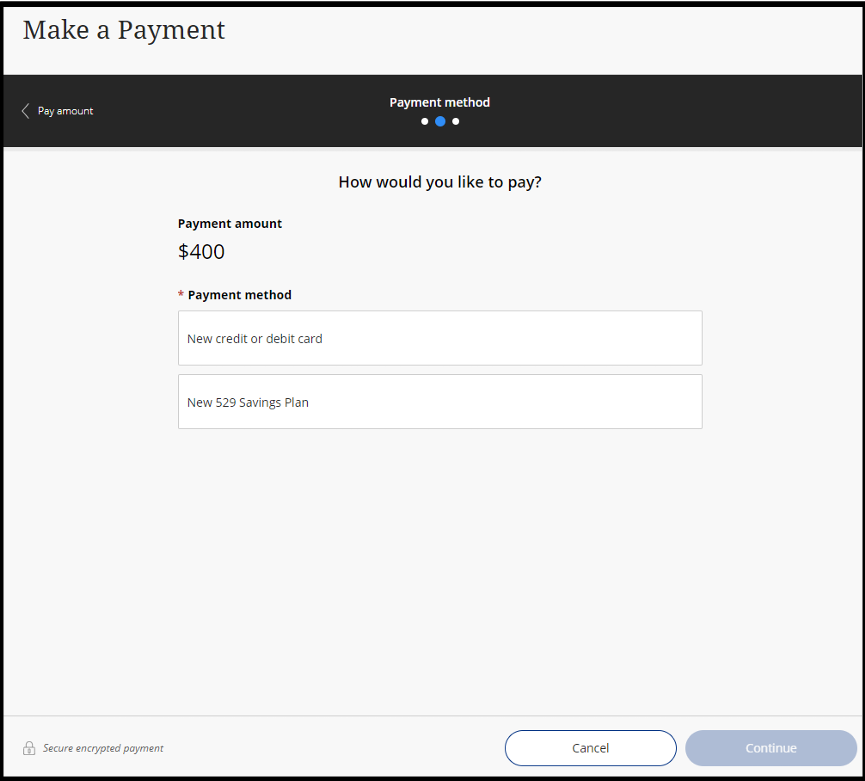
Deposit Payment Instruction
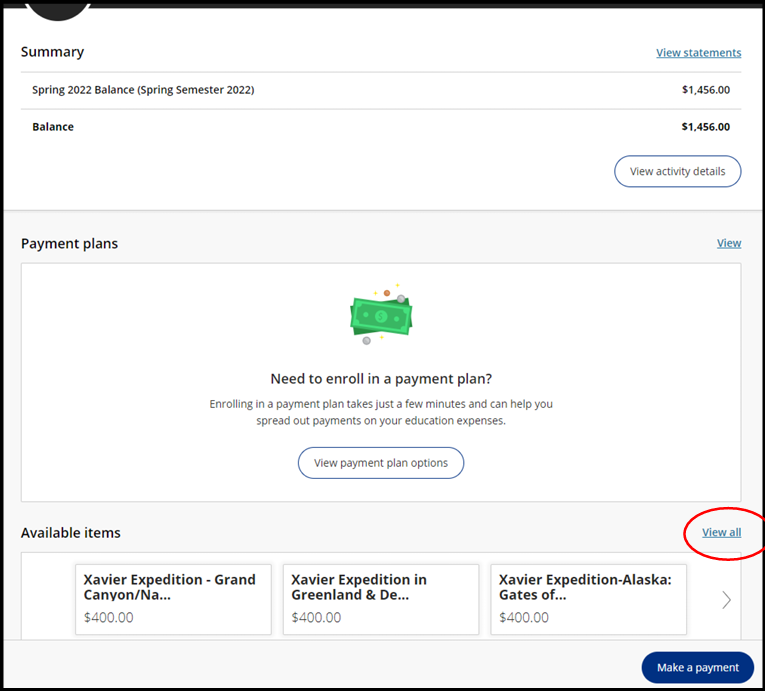
1st step - Click View All – (circled below)
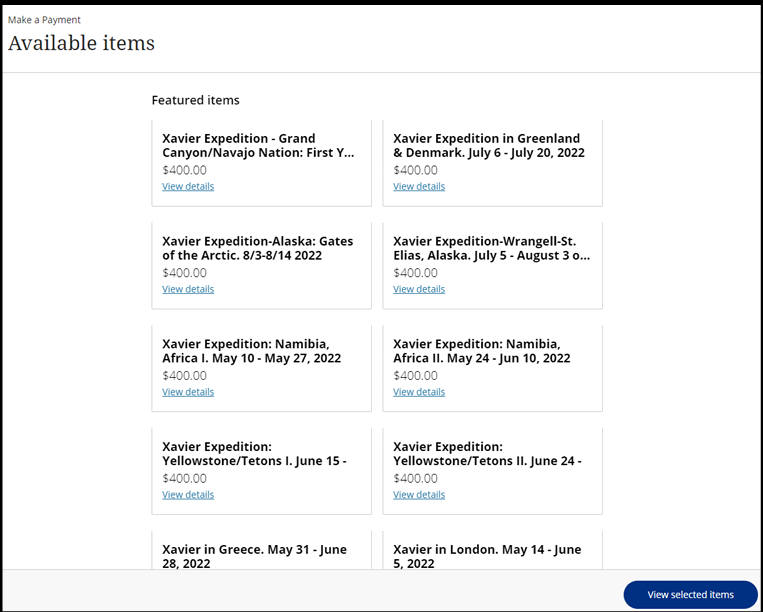
2nd step – Click “view details” on the necessary trip
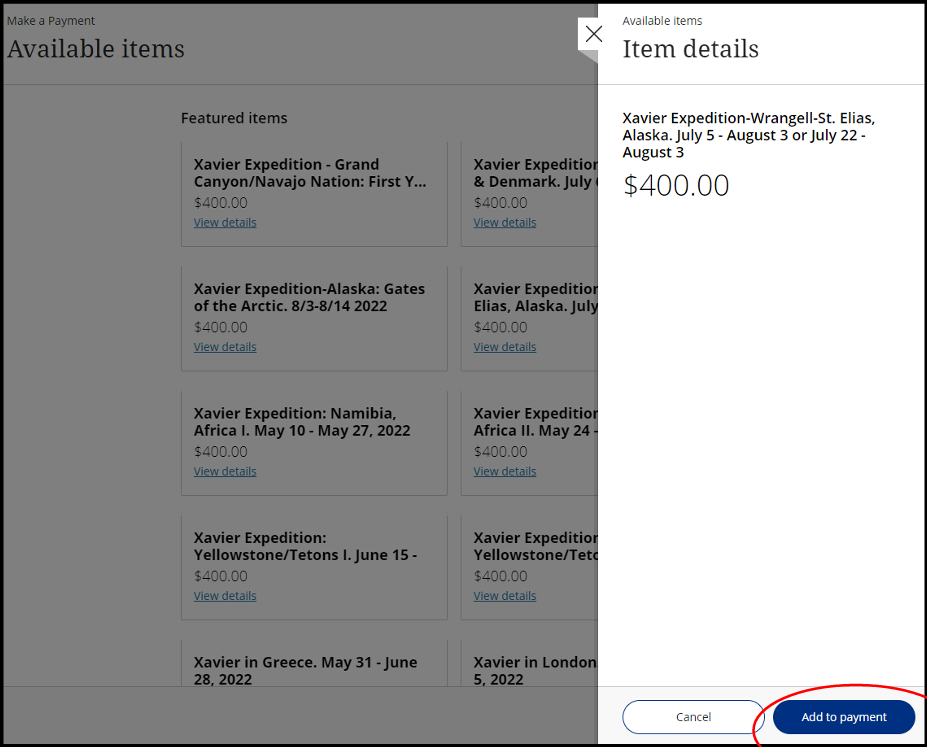
3rd step – click “Add to Payment” (circled below)
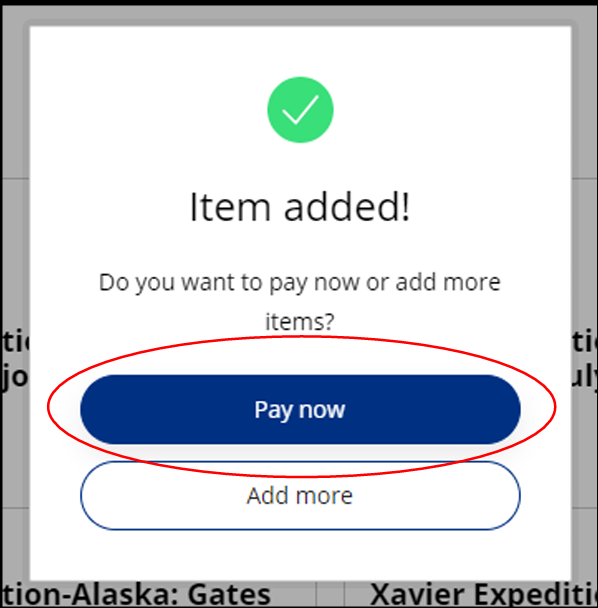
4th step - Pop-screen comes up – click “Pay Now” – (circled below)
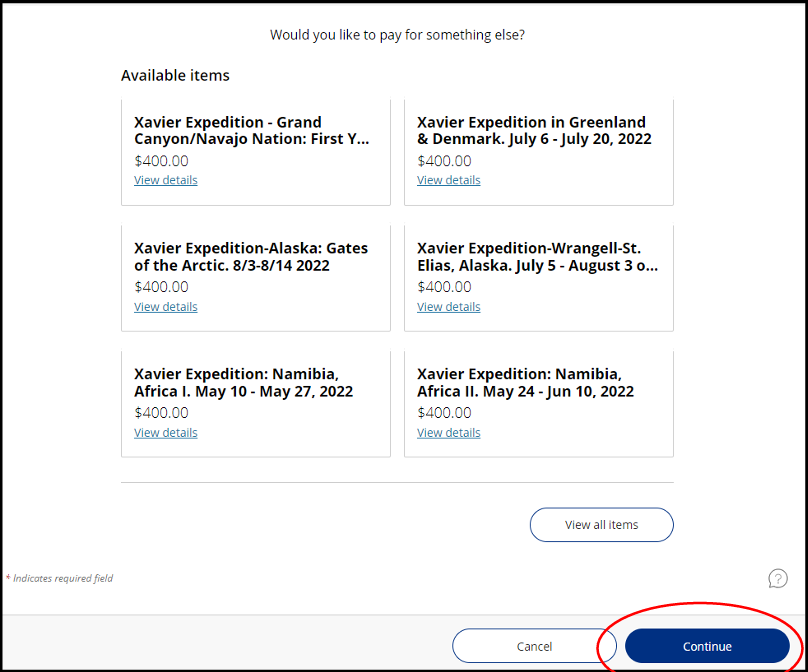
5th step – scroll to bottom of page and click “continue” – (circled below)
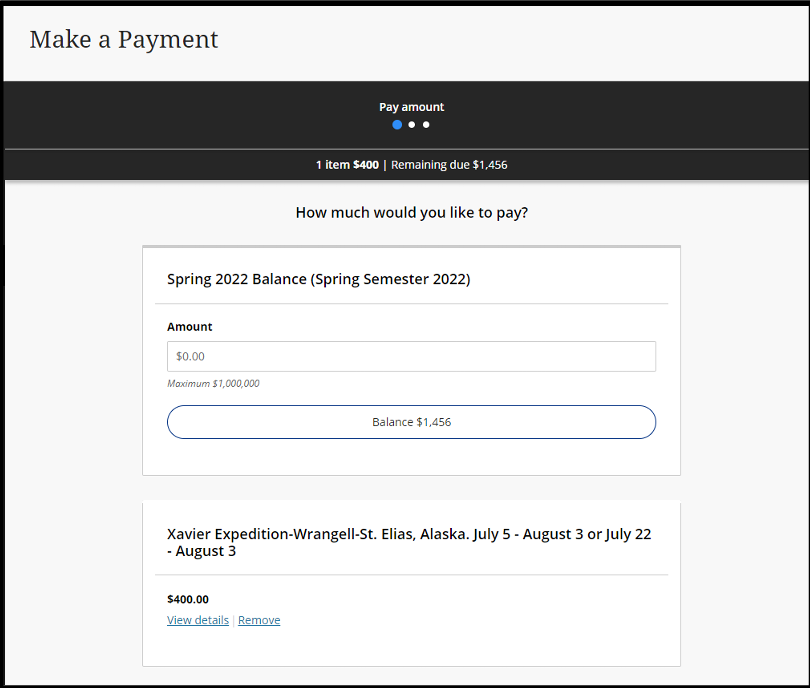
6th step – enter payment information