Self-Service Banner
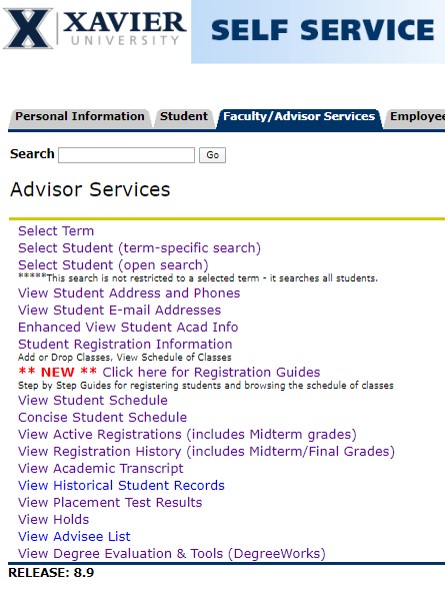
Students and advisors use Self-Service in Banner to access information as well as browse and register for classes. View a Glossary of Terms for Banner.
An advisor can:
- View a student's midterm and final grades
- View a student's Unofficial Transcript
- Browse classes
- Access DegreeWorks
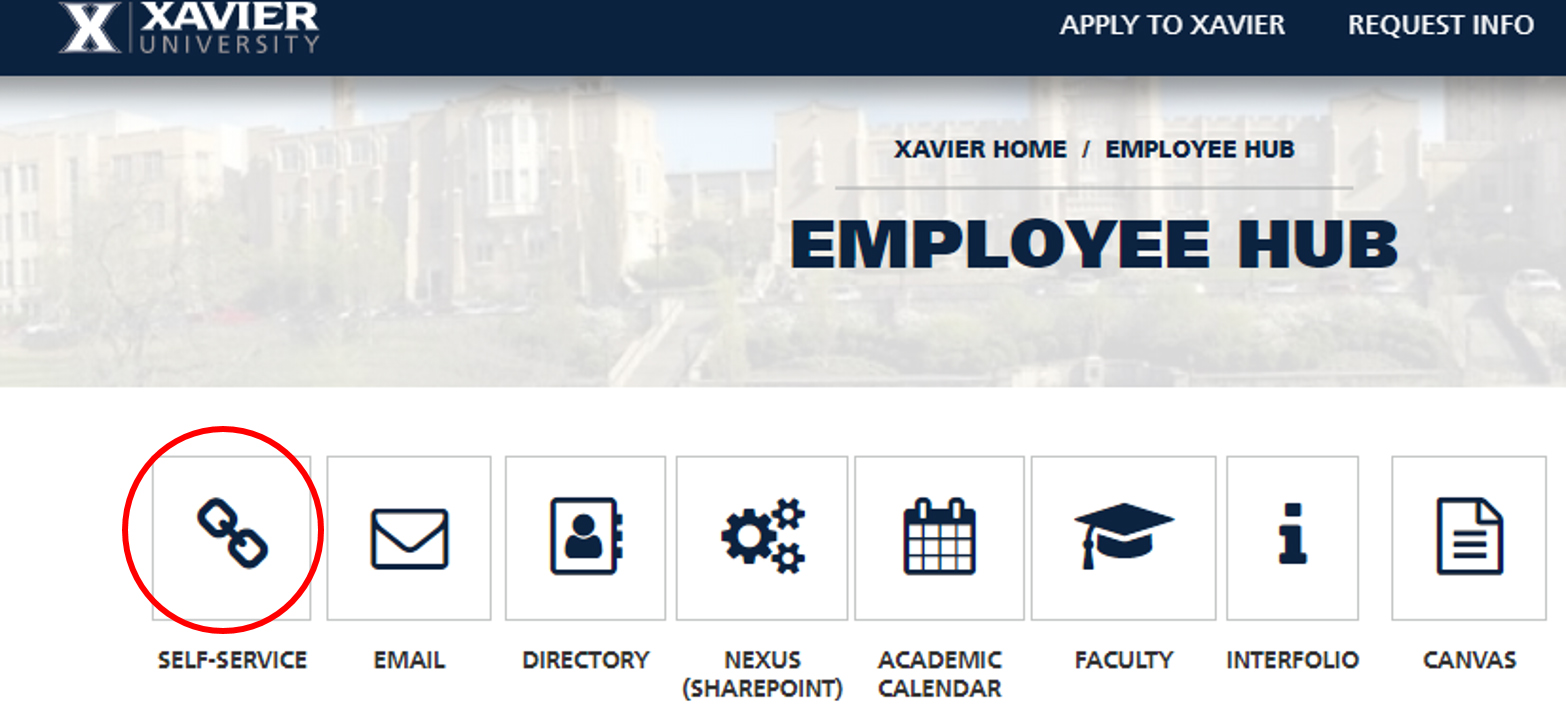
Where to Find Self-Service
Navigating Self-Service
You are familiar with the Faculty Menu in Self Service already; there is a link on the bottom to an Advisor menu:
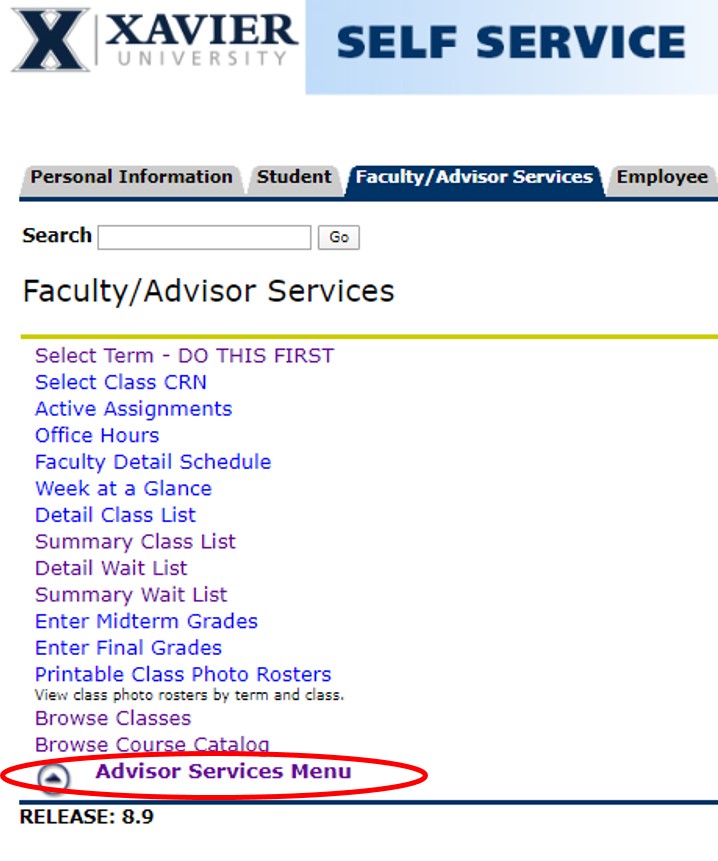
When you click that, you will see the following page. This screen has links to student information and advisor processes.