Navigating Canva without a Pro Account
Resources for designing with the free version of Canva
- Xavier’s Marketing & Brand Playbook PDF
- Design Doctor (get your Canva design polished)
Xavier Colors in Canva
Even with the free version of Canva, you can quickly apply the Xavier Brand colors to your designs. To do so:
- Download the Xavier color palette images
- Open a design in Canva
- Upload the color palette image. Uploads are retained, so you can find this palette image again easily the next time that you design in Canva.
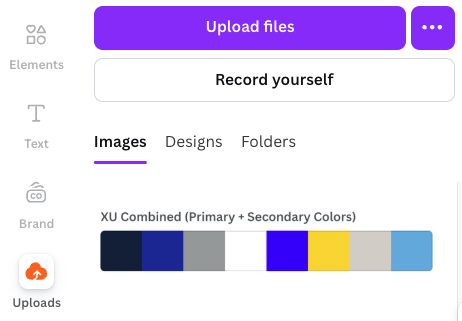
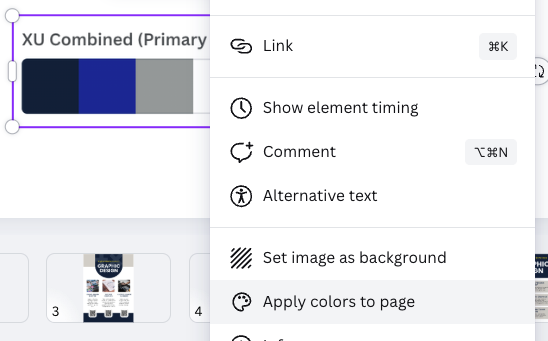
- Click on the color palette image to add it to your design. Then, right-click on the image and choose "Apply colors to page". You can repeate this action multiple times to shuffle through options.
Xavier-Branded Canva Templates
Note: For those using Canva Enterprise (Pro), you can find Brand Templates from the Canva Homepage.
Other templates options for faculty & staff:
Request a custom templatePoster templates
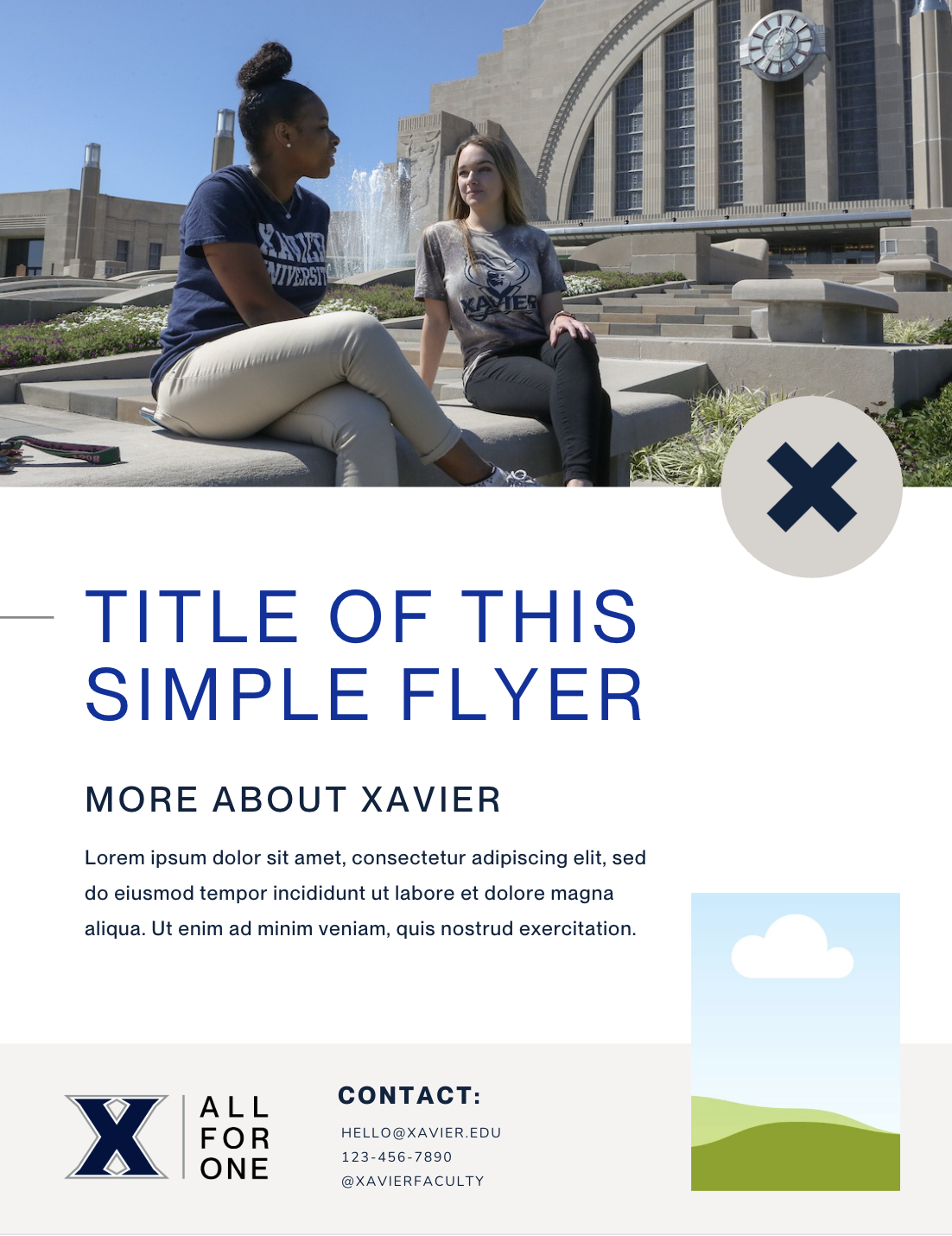
Flyer Templates |
||
 |
 |
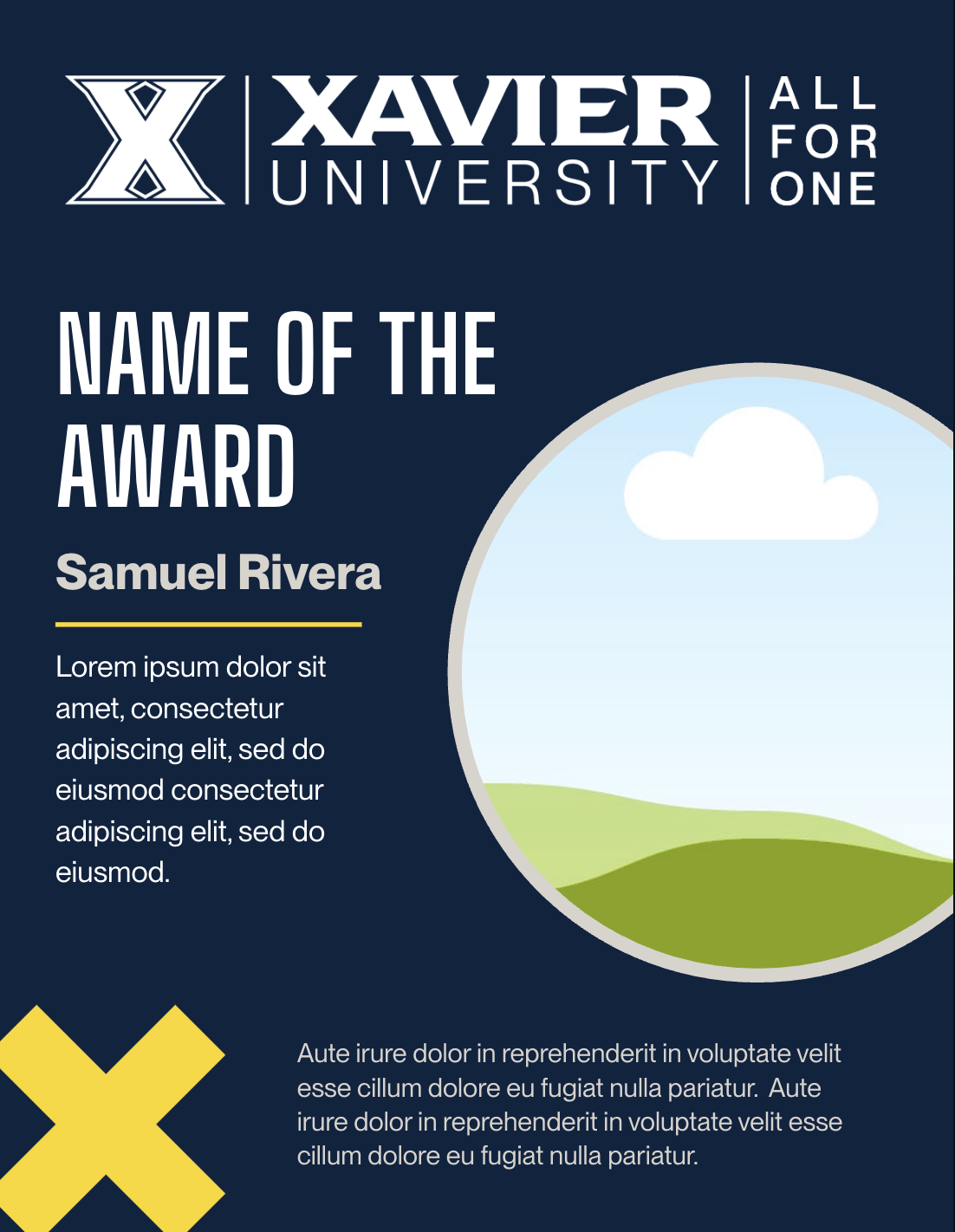 |
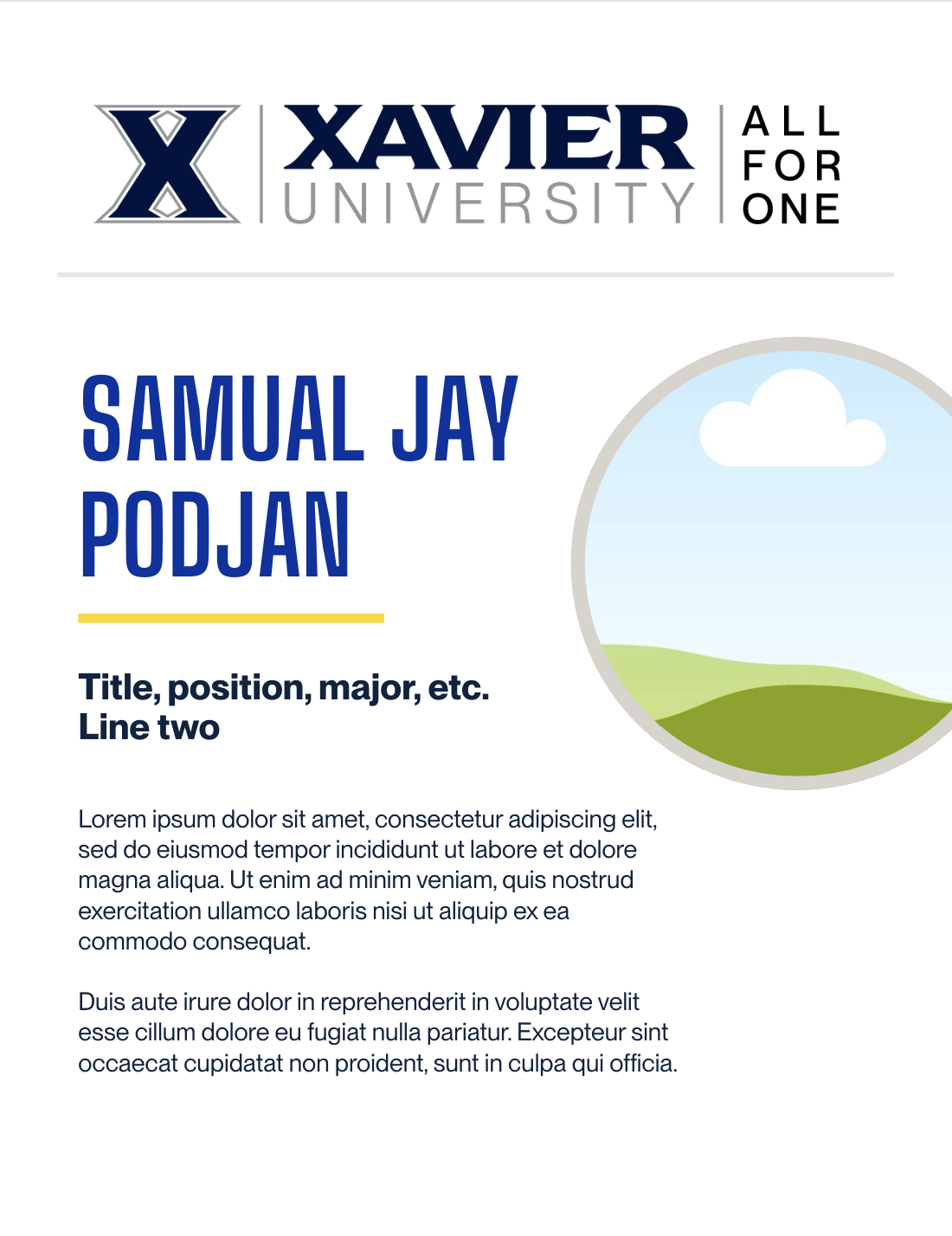
| Flyer A | Flyer B | Flyer C |
 |
 |
 |
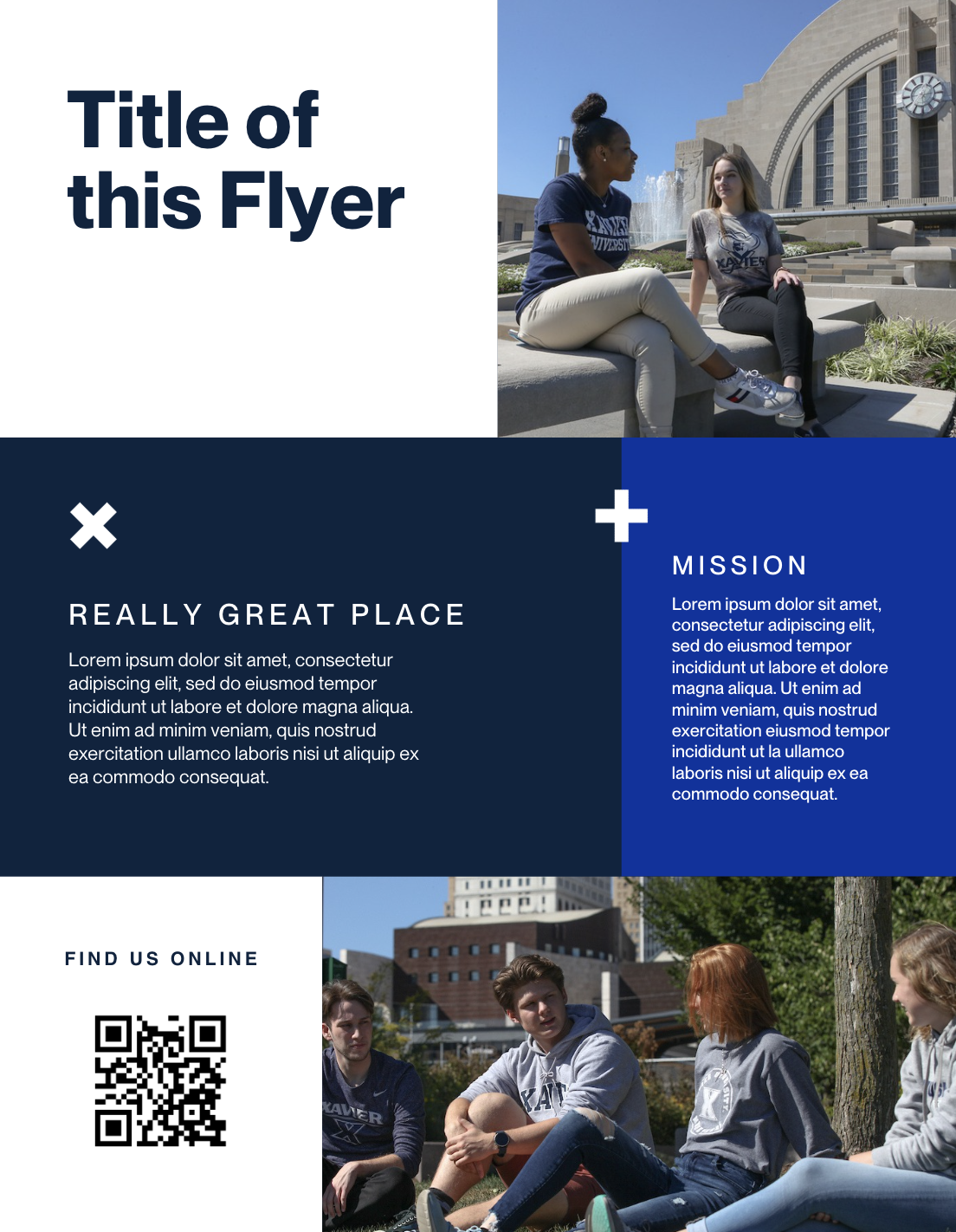
| Flyer D | Flyer E | Flyer F |
 |
||
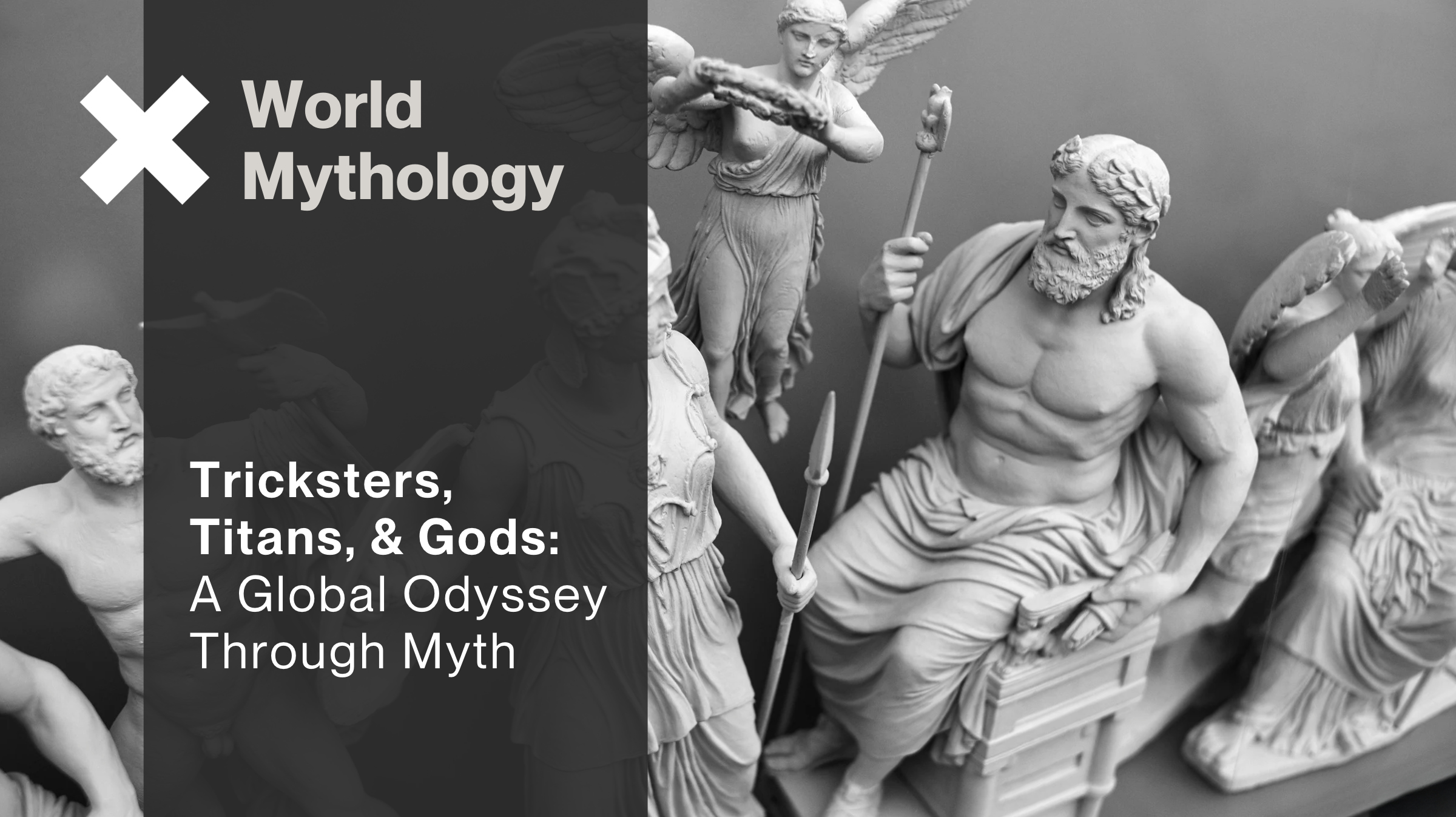
| Flyer G | ||






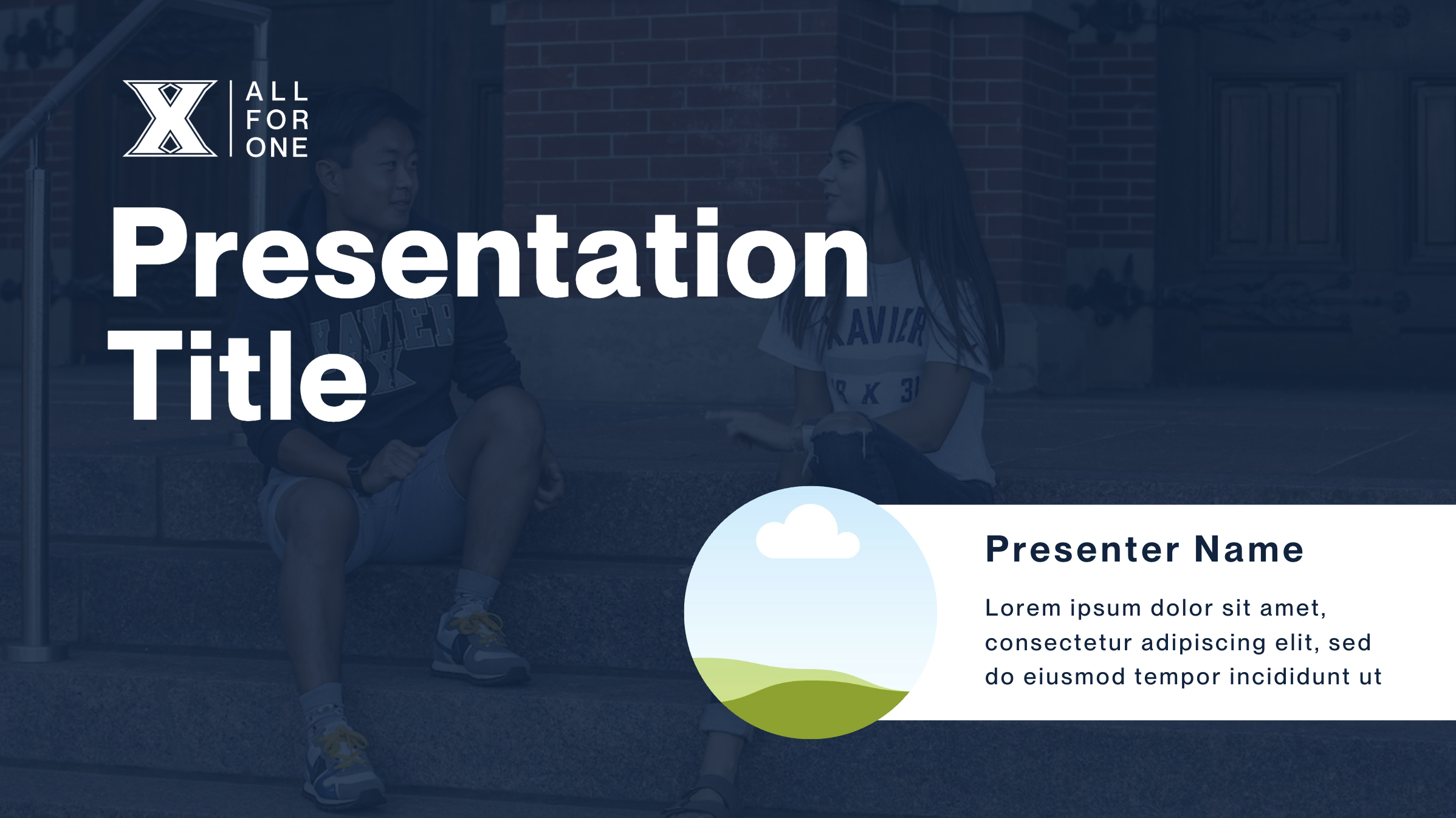

Digital Display Templates |
||
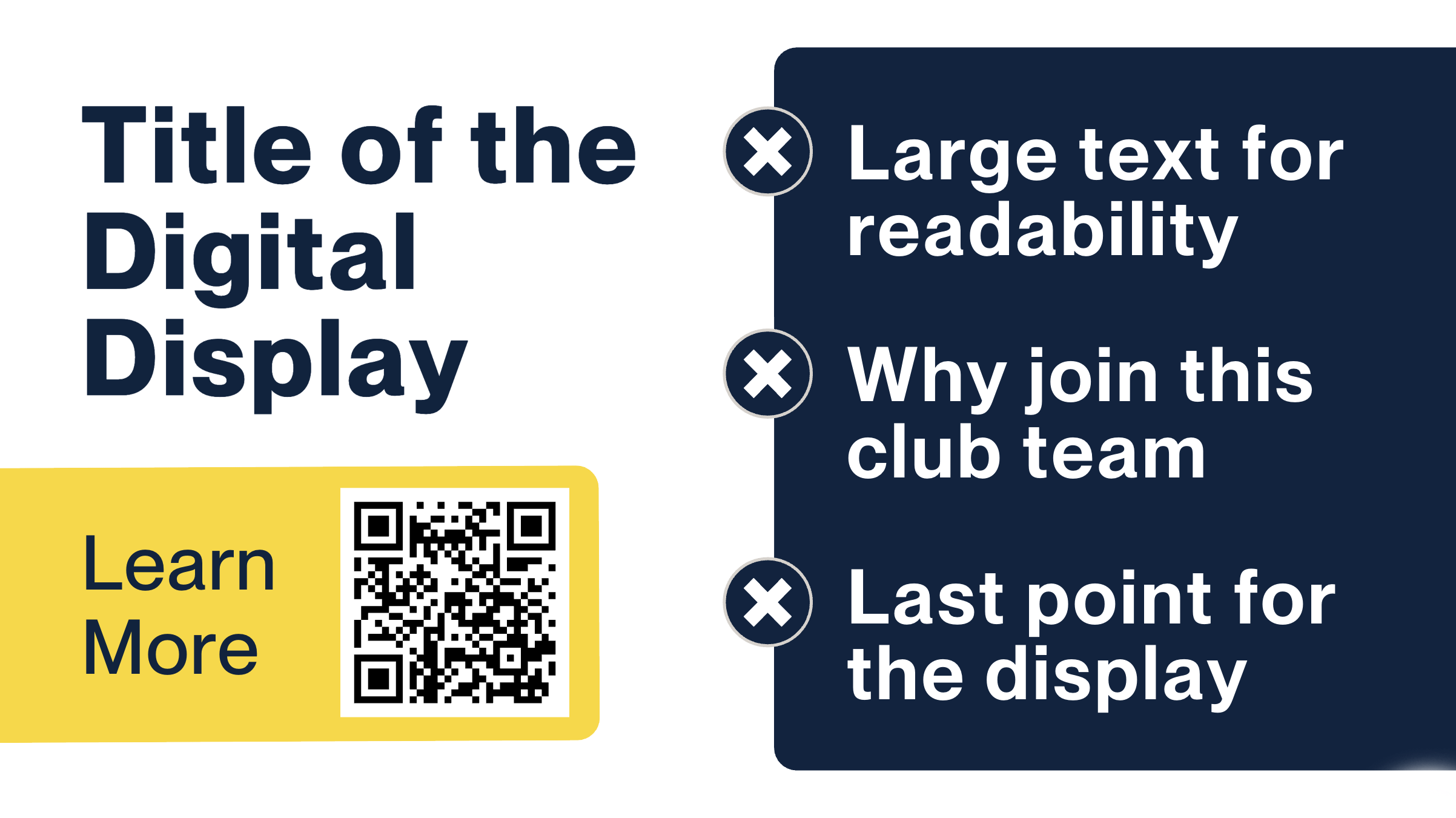 |
 |
|
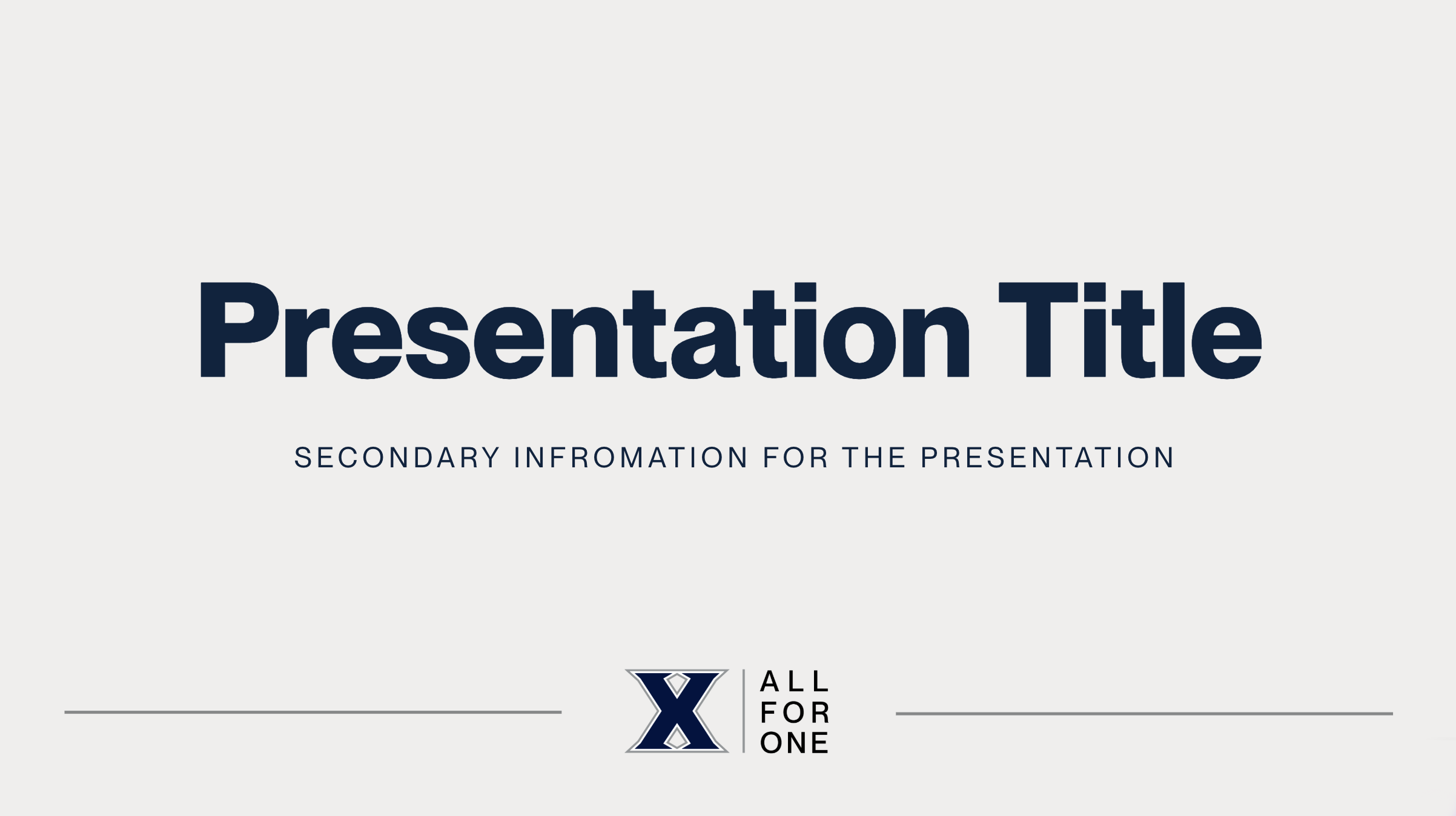
| Digital Display A | Digital Display B | |
 |
 |
|
| Digital Display C | Digital Display D | |
 |
 |
|
| Digital Display E | Digital Display F | |
 |
||
| Digital Display G | ||
Social Media |
||
 |
 |
|
| Social Media A (two options) | Social Meda B | |
 |
 |
|
| Social Media C | Social Media D | |
Other Templates |
||
 |
 |
|
| Video Thumbnail | Annual Report | |