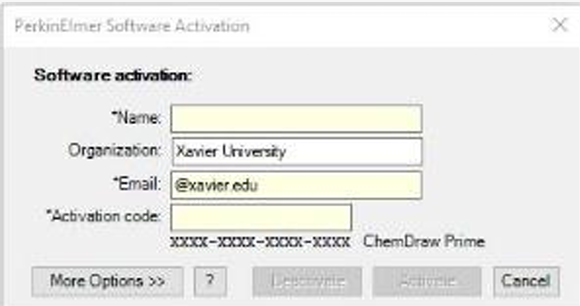
ChemDraw Renew Activation Code
If prompted to renew a previously installed version of ChemDraw:
1. Browse to https://revvitysignals.flexnetoperations.com
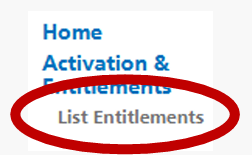
2. Click on the List Entitlements link on the left side of the download page
3. In the table, find the entry with the start date Mar 10, 2025, and Copy the Activation Code

4. Open ChemDraw
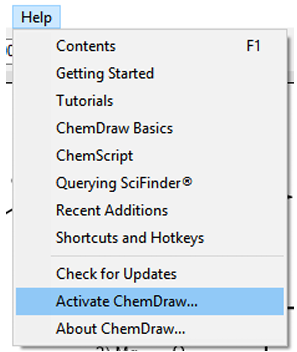
5. Click Help:Activate ChemDraw
6. Paste in the new Activation Code and click Activate